
Using BIMx.
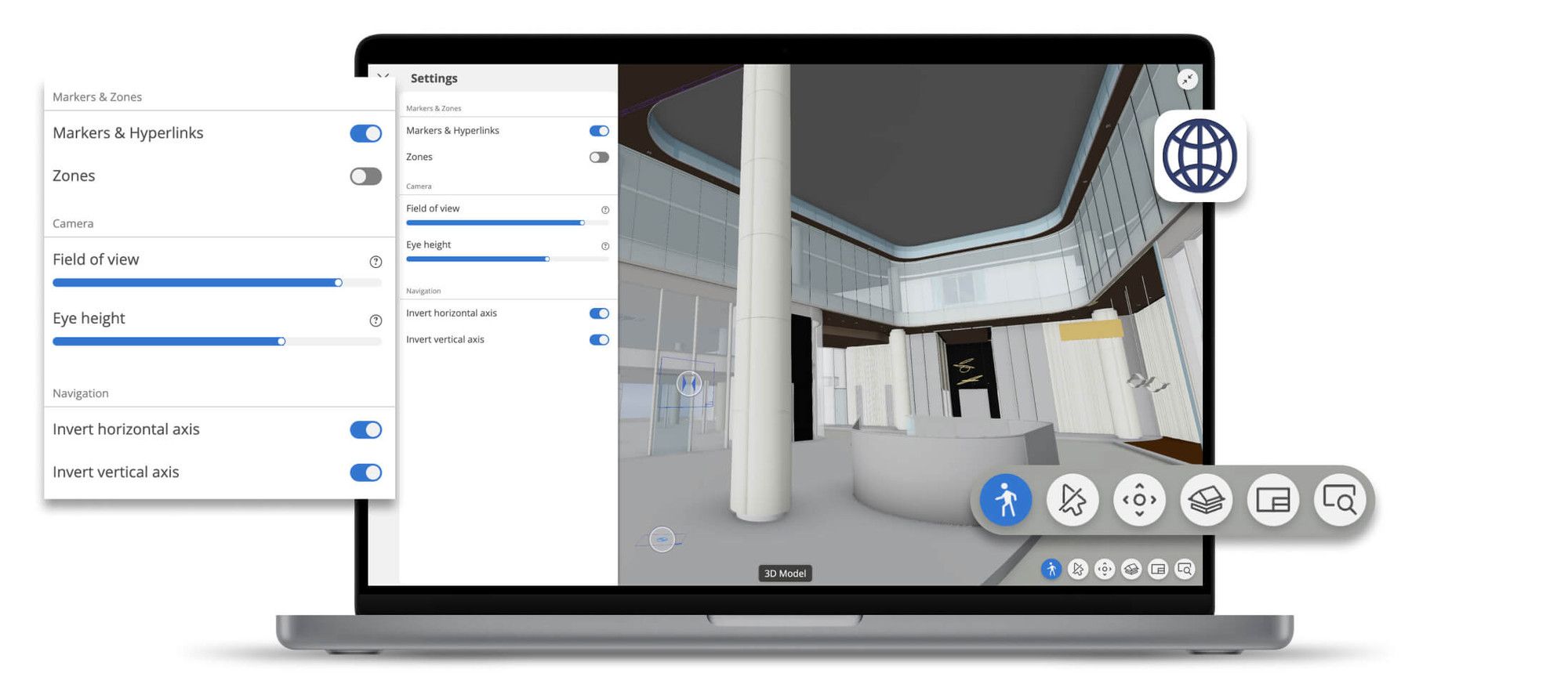
In this article we answer any queries you may have about BIMx.
We're guessing you've been sent here by one of our team members to assist with using our client based 3D model Software, BIMx.
Evoke Architecture uses the latest 3D Architectural software to generate your proposal in 3D at all times, so we can offer you to walk around the model in the comfort of your own home.
Firstly you'll need to download BIMx either on your mobile device, tablet or computer. We have provided links below to your applicable devices:
Once you have downloaded the app we will provide you with a unique link to access your 3D model, this will be sent via email. Simply click the link in our email and it should open your 3D model in the app.
To navigate the model just pinch to zoom, there is also a walking man icon in the corner of the screen which switches the navigation of the model to a walking camera view.
Please let us know if you need your model updating, its just a click of a button for us which will update your model automatically to your latest revision.
FAQ's
If you have any questions ArchiCAD offers a great FAQ section at the link below:
BIMx Frequently Asked Questions
If you have any more questions please get in touch with one of our team or your project Architect.